
Tutorial
Learn how to effectively use the NewspaperArchive.com features by selecting a category below.
SEARCHING WITHIN THE VIEWER
When opening a search result the viewer will load with that search term preloaded into the search bar.
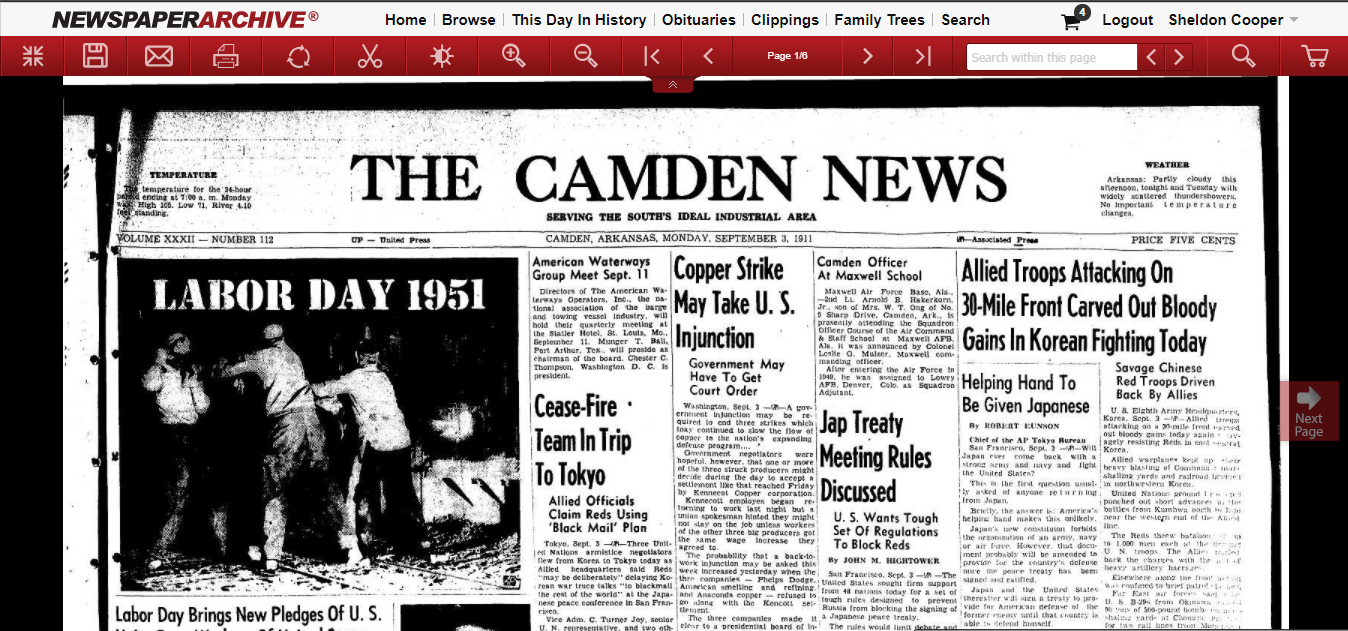
If you want to perform another search with a different term, enter your search to the searchbox and click the magnifying glass icon as pictured below.
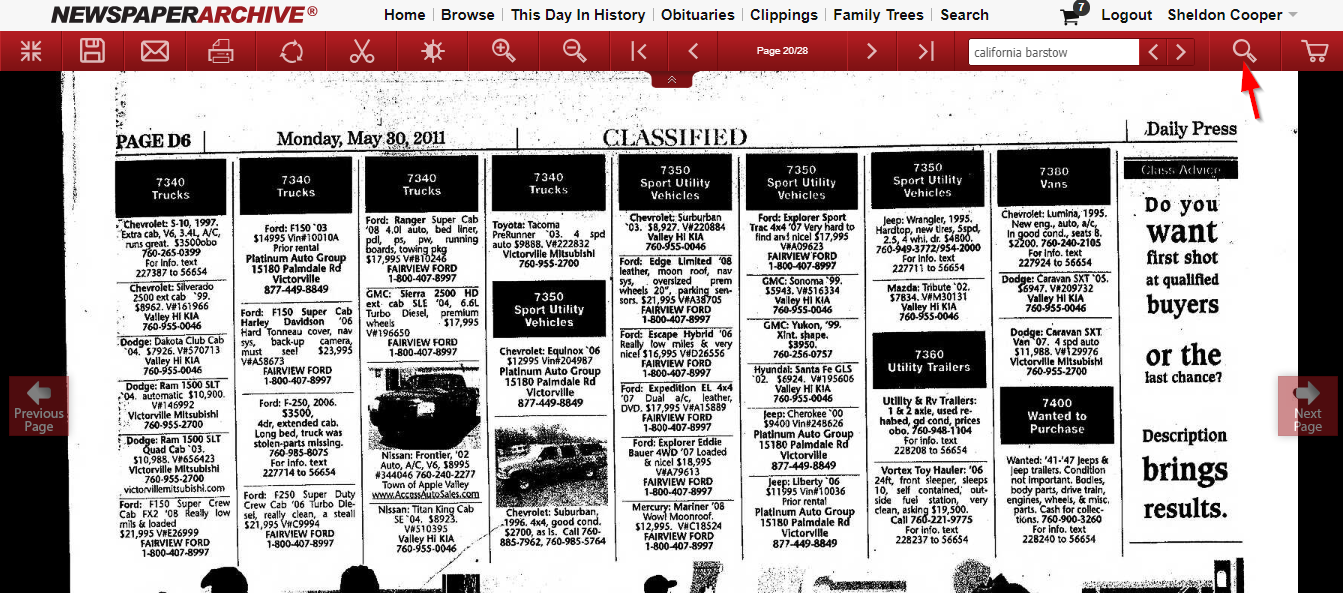
Clicking on the magnifying glass enables you to move of your search term as well as clicking the left and right arrow buttons to move through multiple results shown on the page to the next instance of your search term.
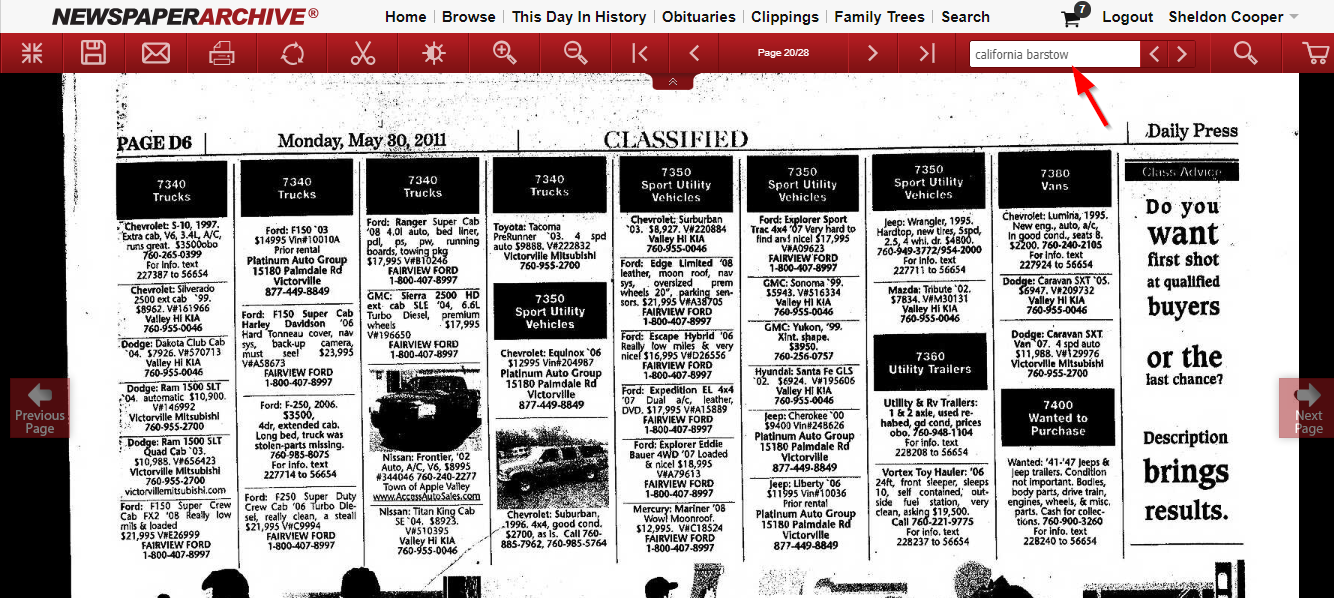
When a new term is entered, the viewer will automatically start searching for it within the text of the newspaper being viewed.
All the instances of the search term will be highlighted. Click the left and right arrows again to move through multiple results in the page.
One of the World's Largest Newspaper Archives
- 16,843 Titles and Counting!
- Over 418 Years of News Articles!
- All 50 U.S. States & 45 International Countries!
- Historical Events as They Happened!
- Research Your People & Genealogy!